🚨The Great Network Operator Brain Fart | Troubleshooting in Real-Time Without History🙈
Facing random internet issues? Here's how to troubleshoot when your ISP can't track past problems
Driving SD-WAN Adoption in South Africa
You’ve got a network problem. Your internet is slower than a tortoise in a Joburg traffic jam. It was working fine this morning, but now—poof!—it's acting up. So, you log a fault with your ISP, and here comes their highly trained support team (read: a guy armed with a ping command and a prayer).
The problem? It was bad an hour ago. But now? It looks fine—and because their tools don’t track history, they act like the issue never happened. 🚨 Brain fart alert! 🚨
The "I See Nothing" Syndrome 🙈
Many network operators troubleshoot in real-time only, using the most basic of tools:
⚡ Ping? Looks good.
⚡ Traceroute? No packet loss.
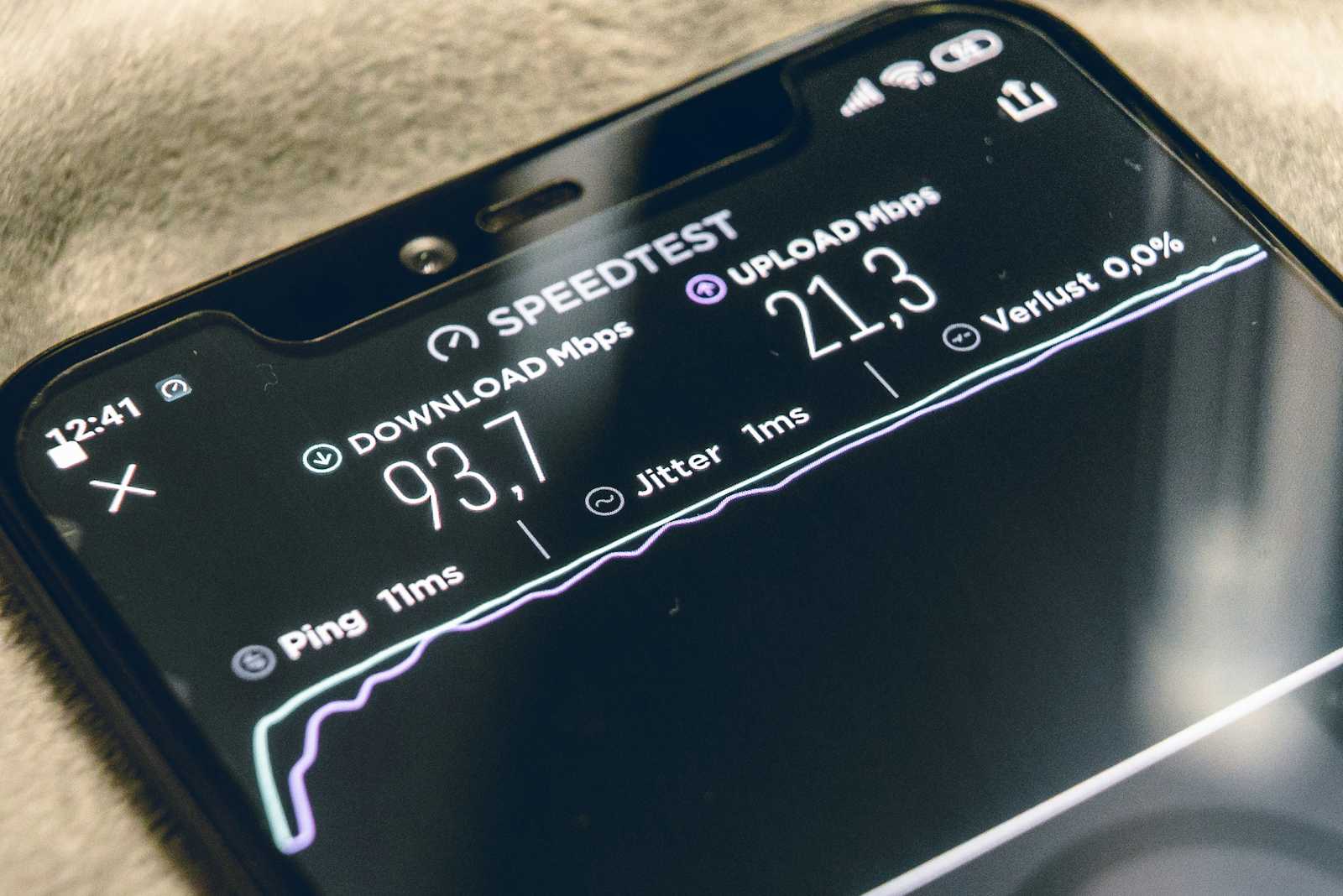
⚡ Speed test? Meh, it’s okay.
"Looks fine on our side. You must be imagining things." 🙄"
But you’re not crazy. That buffering, jittery Teams call, or the webpage loading slower than Home Affairs on a Monday morning? It was real! You felt the pain, and now that it’s gone, you’re expected to just move on? Liewe ouers, no!
Intermittent Faults | The Root of All Frustration 😡
Intermittent issues are the absolute worst. One minute, everything is fine. The next? Boom—disaster. Then, by the time you get help, the problem disappears like a dodgy tender contract.
❌ Packet loss at 10 AM? Gone by 11 AM.
❌ Latency spike at 2 PM? Fine by 2:30 PM.
❌ VoIP calls sounding like aliens at 4 PM? Clear by 4:15 PM.
And your ISP is standing there, proudly telling you "Everything looks normal", while you’re left wanting to smash your router with a vuvuzela.
The Root Cause? No Historical Trends 📉
Most ISPs and network operators don’t keep proper historical performance data. They rely on:
🚩 Live troubleshooting tools (ping, traceroute, speed tests)
🚩 Reactive support (only act when you scream loud enough)
🚩 Blind guesses (turn it off and on again, maybe?)
This means if they don’t see the issue live, they won’t acknowledge it ever existed. It’s like having amnesia after every network incident. Poof! Gone.
And if the problem comes back? You go through the whole cycle again and again—like a bad soap opera. 😤
How Fusion’s SD-WAN Stops This Madness 🛑
A proper SD-WAN—like Fusion’s—doesn’t rely on guesswork or real-time-only troubleshooting. It keeps detailed historical records of network performance, meaning:
✅ Every outage, every spike, every bit of packet loss is logged.
✅ You get beautiful graphs and reports showing exactly when and where problems happened.
✅ No more "everything looks fine" nonsense.
With Fusion’s SD-WAN, you can pull up reports and say:
👉 "Look here, my latency spiked from 3 PM to 3:45 PM. What happened?"
👉 "I had 10% packet loss between 9 AM and 10 AM—fix it!"
👉 "Stop gaslighting me, the problem is REAL!"
The best part? Because SD-WAN actively steers traffic in real-time, if one connection goes bad, your data automatically moves to the better path—without waiting for you to call in and complain. 🚀
Moral of the Story | Stop Troubleshooting Blindfolded 🤡
If your network provider doesn’t keep historical data, they’re troubleshooting with one eye closed and one hand tied behind their back.
❌ They’re always reacting instead of proactively fixing issues.
❌ They can’t tell you why your connection sucked two hours ago.
❌ They have no proof of what’s really happening.
With Fusion’s SD-WAN, your network gets:
✔️ Continuous monitoring (so no issue is ever "forgotten")
✔️ Real-time path steering (so bad connections don’t ruin your day)
✔️ Detailed historical reports (so you always have proof when things go wrong)
So, next time your ISP says, "It looks fine now"—tell them:
"That’s nice, but my SD-WAN saw the mess you made, and I’ve got the receipts. Sort it out!" 😎


