The Best Way to Install Multiple Wi-Fi Access Points | Wired is King! 👑📡
Solve Wi-Fi Issues | Why Wired Access Points Beat Wireless for Better Coverage
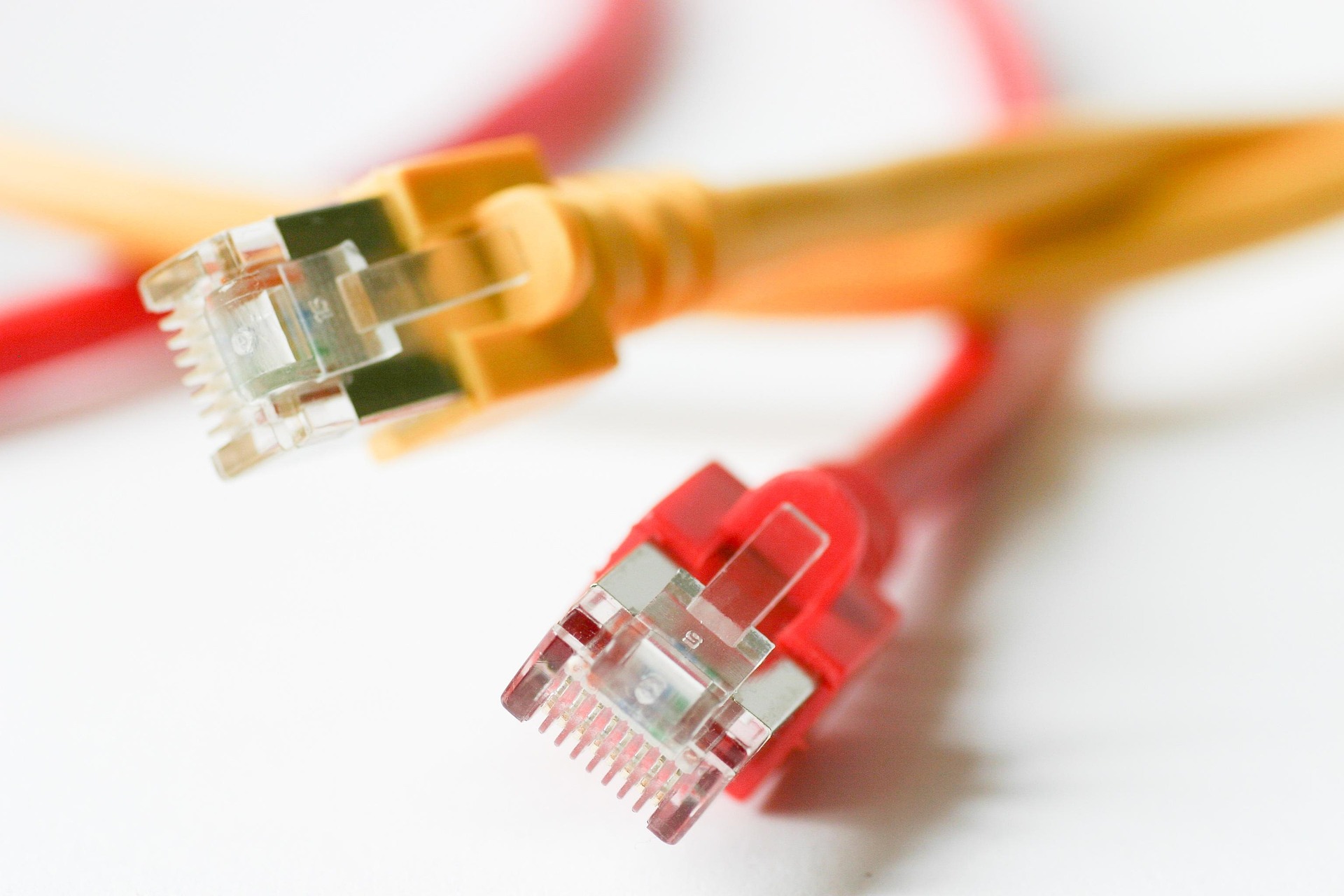
If you’ve ever battled dead spots, slow Wi-Fi, or devices randomly disconnecting, you’ve probably thought: “Maybe I should add another Wi-Fi access point.” Great idea! But how you install it makes all the difference.
There’s a right way and a wrong way to expand your Wi-Fi. And let’s be clear—the best way is to wire up each access point (AP) directly via Ethernet to a central router. Here’s why.
🚀 The Gold Standard | Wired Access Points
If you want fast, reliable Wi-Fi, you need to wire up your APs with Ethernet. This means:
✔️ Each AP gets full bandwidth – No interference or congestion from wireless backhaul
✔️ Lower latency – Ideal for gaming, video calls, and real-time applications 🎮📹
✔️ Consistent performance – No signal degradation across multiple APs
✔️ Better roaming – Devices switch seamlessly between APs
This is how enterprise Wi-Fi networks work. If you want rock-solid Wi-Fi at home or in your business, copy what the pros do.
⚠️ The Problem with Wireless Extenders & Mesh Systems
Many people go the lazy route and install wireless range extenders or mesh Wi-Fi. Sounds easy, right? Yes—but at a cost.
1️⃣ Wireless Extenders = Cut Your Speed in Half ⏳
Wireless extenders receive Wi-Fi, then retransmit it, which means:
🚩 You lose at least 50% of your bandwidth (half goes to receiving, half to transmitting)
🚩 Higher latency – More hops = more lag
🚩 More interference – Too many APs on the same frequency cause congestion
Extenders are band-aid fixes. If you want full speed everywhere, you need wired APs.
2️⃣ Mesh Wi-Fi | Convenient, But Not Always the Best
Mesh Wi-Fi is a step up from extenders but still not as good as wired APs.
🔸 Good Mesh: Uses a dedicated wireless backhaul (e.g., a separate 5GHz or 6GHz band for AP-to-AP communication)
🔸 Bad Mesh: Uses the same Wi-Fi bands for both backhaul and clients, creating congestion
Even the best mesh systems introduce extra latency and aren’t as fast as wired APs. If you can run Ethernet, run Ethernet.
🎯 The Ideal Setup | Wired APs + A Dedicated Router
Step 1: Use a Dedicated Router (Not a Router/AP Combo)
Most home routers are router + access point combos. That’s fine for small spaces, but if you need multiple APs, you should:
✅ Use a separate router for managing your network
✅ Turn off Wi-Fi on the router (so it doesn’t interfere with your APs)
✅ Use dedicated APs for Wi-Fi coverage
Why?
Many routers aren’t designed to handle multiple APs effectively.
Router placement is often suboptimal (e.g., stuck in a cupboard).
A dedicated router ensures better performance and stability.
Step 2: Wire Each Access Point via Ethernet
Once you’ve got your router sorted, it’s time to place your APs strategically:
✅ Run Ethernet cables from the router (or a switch) to each AP
✅ Use ceiling or wall-mounted APs for best coverage 📡
✅ Disable DHCP on APs so only the router handles IP assignments
✅ Set all APs to the same SSID so devices can roam seamlessly
This setup maximises performance, eliminates interference, and ensures your Wi-Fi is as fast and reliable as possible.
🔧 Need Recommendations?
If you’re serious about good Wi-Fi and want OpenWrt-compatible devices, here are top access points you should consider:
🔹 GL.iNet GL-AX1800 – Affordable and OpenWrt-friendly Wi-Fi 6 AP
🔹 Cudy AX300 – Powerful Mediatek-based AP, OpenWrt support
🔹 Linksys E8450 (aka Belkin RT3200) – Excellent Wi-Fi 6 performance with OpenWrt
🔹 Reyee RG-EW3200GX PRO – Budget-friendly, OpenWrt-capable, Wi-Fi 6
🔹 MikroTik hAP AC2 or AC3 – Rock-solid, OpenWrt-supported
Pair them with a good wired router (e.g., a MikroTik RouterBOARD, x86-based OpenWrt router, or a NanoPi R4S), and you’ll have flawless Wi-Fi.
💡 Wrap | Wire It Up & Forget About Wi-Fi Problems!
If you want the best possible Wi-Fi, run Ethernet to each AP. Yes, it takes more effort, but the benefits are huge:
✔️ Full-speed, zero-compromise Wi-Fi
✔️ No interference or congestion
✔️ Seamless roaming and low latency
✔️ Better performance than any mesh or extender setup
It’s a one-time effort for a lifetime of perfect Wi-Fi. So do it right! 🚀
About the author
Driving SD-WAN Adoption in South Africa
Comments
Join the discussionNo comments yet. Be the first to comment.


